
One Inbox. Every Channel. One Case.
ResolveCX merges every inbound contact, phone, email, chat, social, SMS, into a single governed case timeline. Customers stop repeating themselves. Agents stop working from partial information. Every resolution is faster because everyone starts with the complete picture.
What it does
Customers Who Use Multiple Channels Should Only Ever Have One Case
When a customer emails about a problem, calls two days later, and then sends a message on social media, most systems create three separate tickets in three separate tools. The customer has to repeat their issue every time. Three agents work on the same problem without knowing about each other.
ResolveCX unifies all of this into a single case timeline from the first contact. Every subsequent contact, regardless of channel, is linked to the same case. Any agent who opens it sees everything: every message, every channel, every action taken. The customer never needs to repeat themselves again.
How it works
Contact arrives on any channel
Phone, email, live chat, social media, SMS, or web form. Every channel feeds into the same intake pipeline, no separate queues, no siloed tools.
AI links contact to existing customer
The AI identifies the customer from the inbound contact and links it to their existing case history, across all previous channels and all previous cases.
Contact merged into unified case timeline
The new contact is added to the customer's unified case timeline, or a new case is opened if no active case exists. The agent sees the complete history: every message, every channel, every action.
Complete history visible on case open
The agent opens the case and immediately sees every interaction, email, phone, chat, social, in a single chronological timeline. No switching tools. No searching other systems.
Resolution recorded across all channels
When the case is resolved, the resolution is recorded against the unified case record, not against a single channel ticket. The customer's full history remains coherent for all future interactions.
Industry use cases
Omnichannel Inbox Across Industries
Telecommunications
Customers who start a complaint via phone, follow up by email, and then escalate via social media are handled as a single continuous case, not three separate tickets. Agents see the full context regardless of which channel is active now.
Retail & Ecommerce
A return complaint raised via email, chased via WhatsApp, and escalated via the website is one case with one resolution owner. No customer ever has to explain their issue more than once.
SaaS & Technology
Engineering tickets, support portal messages, and in-app feedback on the same incident are unified into one case, giving the CS team a complete view of impact without manually correlating across tools.
Healthcare
Patient contacts via phone, patient portal, and email about the same care concern are handled as a single case, ensuring clinical governance sees the complete picture and patients are not bounced between contact methods.
Why it matters
Unified Inbox vs Siloed Channel Tickets
Siloed systems create siloed experiences. The customer experience reflects your internal infrastructure, and if your infrastructure creates separate tickets per channel, your customers feel it.
| Capability | ResolveCX Unified Inbox | Siloed Channel Tickets |
|---|---|---|
| Single unified timeline across all inbound channels | ||
| Customers never need to repeat their issue | ||
| Agents see full cross-channel history on case open | ||
| No cases created per channel, one case per issue | ||
| Channel switching does not break the case timeline | ||
| Resolution recorded against customer, not ticket | ||
| Works across phone, email, chat, social, SMS, web simultaneously |
ResolveCX AI
Stop Managing Channels. Start Managing Cases.
See how ResolveCX unifies every inbound channel into one case timeline, so customers never repeat themselves and agents always work from the complete picture.
Keep exploring
Recommended insights
Relevant guides and real-world perspectives for the work you are doing now.
 Guide
GuideNICE CXone Integration
CXone Studio IVR script-triggered case creation following DEVone API patterns, NICE Enlighten AI classification, embedded CXone agent desktop panel, and bi-directional sync to CXone supervisor dashboards.
Explore resource Guide
GuideCustomer Churn Prediction for Financial Services
AI churn risk scoring that identifies post-complaint attrition signals before customers close accounts, with retention workflows and Consumer Duty outcome evidence.
Explore resource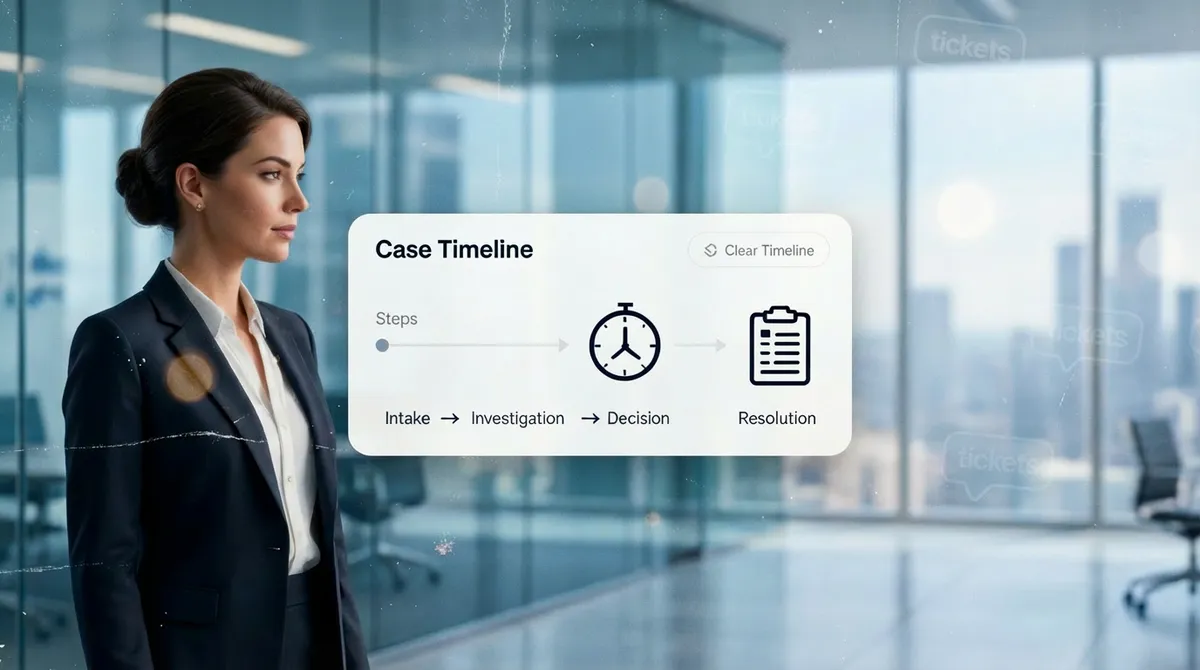 Guide
GuideWhat Is Case Management?
What a case is, how it differs from a ticket, and why case-first architecture matters in regulated environments where resolution memory, ownership, and audit trails are non-negotiable.
Explore resource Guide
GuideCisco Webex Contact Center Integration
API-based case creation from Webex Connect IVR events, agent screen pop via the Webex CC Desktop Widget SDK, case management layer behind the Webex CC agent desktop, and bi-directional status sync to Webex Analyzer dashboards where configured.
Explore resource Blog
BlogThe ResolveCX Blog
Practical thinking on complaint governance, escalation management, and case resolution for regulated industries.
Explore articleVideoResolveCX Video Library
See complaint governance, case management, and escalation workflows explained by the ResolveCX team.
Explore video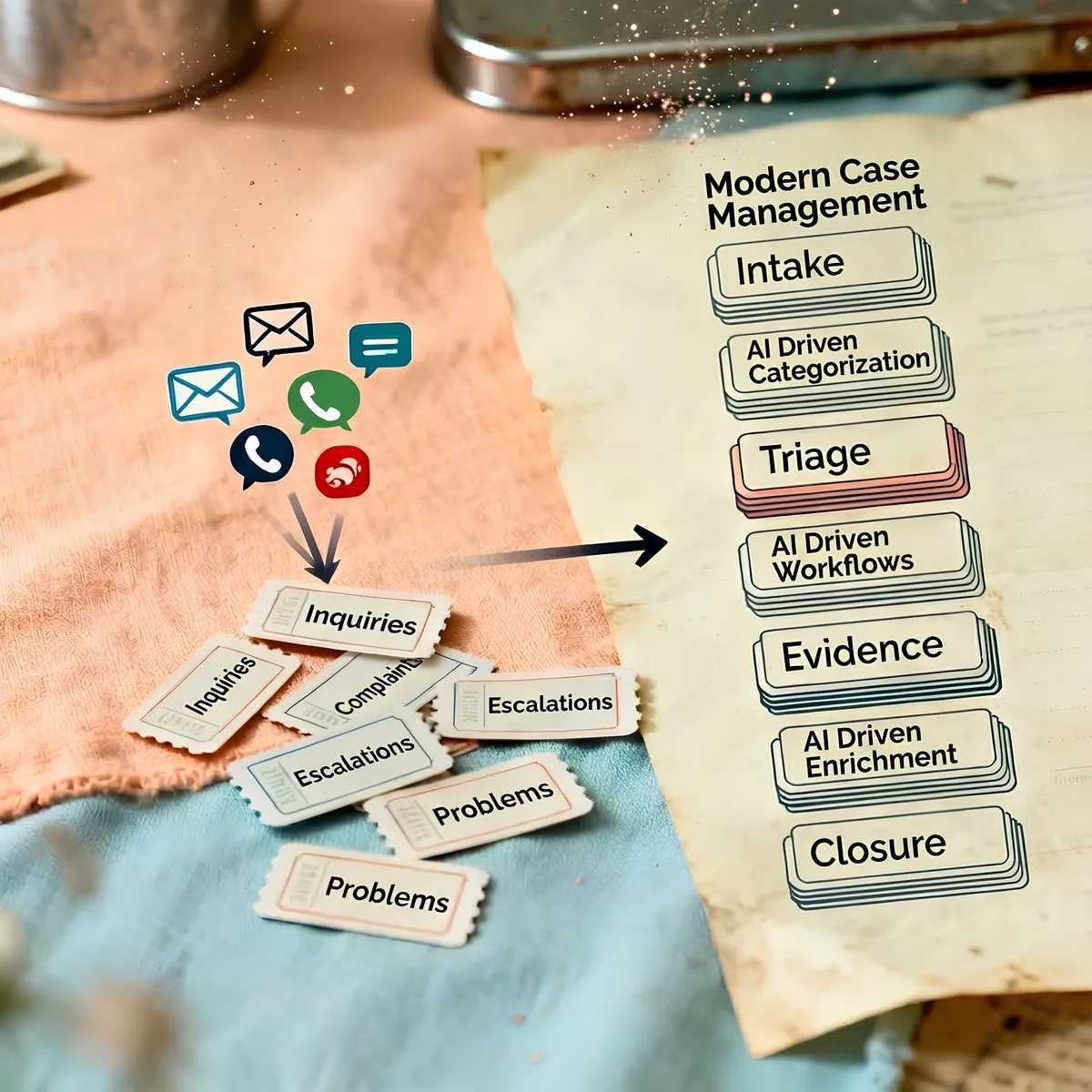 Case study
Healthcare Governance Case Studies
See how regulated healthcare teams improved SLA adherence, reduced escalations, and accelerated audit preparation.
Explore resourceResolveCX on LinkedIn
Follow the latest ResolveCX updates, governance conversations, and practical customer operations insights.
Explore resource