
Zendesk Alternative
Looking for a Zendesk Alternative for Regulated Industries?
Evaluate case ownership, classification, routing and audit needs against the proposed configuration. Zendesk documents audit and AI capabilities; ResolveCX supports configurable case workflows. Neither product's feature list is proof of regulatory compliance.
Ticketing, triage and account audit controls
Zendesk documents account audit logs on Enterprise and above. Intelligent triage classifies topic, sentiment and language on Professional and above; using classifications in workflows requires Copilot. An account audit log is not automatically a complete complaint evidence pack. Review the official sources below and request a demonstration with your complaint scenarios.
- Ticketing packages with differing scope
- Enterprise account audit log
- Professional-and-above intelligent triage
- Copilot required for classification-driven workflows
Verify your complaint process—not assumed gaps
These are open evaluation questions for your selected Zendesk plan, not findings that Zendesk lacks a feature. Apply the same checks to ResolveCX, including case history, handoffs, evidence and reporting requirements.
- Which case events and changes are recorded?
- Which required fields and evidence rules are enforced?
- How are ownership and handoff history shown?
- Which Copilot and routing configuration is required?
- What retention and reporting scope is included?
ResolveCX vs Zendesk: Feature Comparison
Comparing the platforms across the criteria that matter most for regulated complaint management.
| Feature | ResolveCX | Zendesk |
|---|---|---|
| Audit history and case reports | Audit/activity logs; detailed per-case audit report | Verify scope with vendor |
| SLA enforcement | Configured SLAs; confirm selected plan | Verify SLA policy and escalation configuration |
| Regulatory workflow evaluation | Review configured complaint workflows | Verify with vendor |
| Handoff documentation | Verify recorded actions and attribution | Verify scope with vendor |
| Sentiment context and specialist review | Sentiment cues, not vulnerability findings | Verify scope with vendor |
| AI Classification | Configured categories for cases, complaints and inquiries | Verify taxonomy and routing with vendor |
| Sentiment-informed routing | Configurable workstream flows and SLAs | Verify configuration with vendor |
| Evidence requirements | Verify required fields and enforcement | Verify requirements with vendor |
| Exports and reporting scope | Verify availability, fields, formats and preparation | Verify scope with vendor |
| Root-cause follow-through | Verify linked actions and review process | Verify workflow with vendor |
| Complaint workflow fit | Case ownership and configured routing; verify required controls | Verify complaint workflow configuration |
| Channel scope | Plan-specific channels; confirm coverage | Verify Suite channels and usage |
| Pricing basis | Basic: $15/user/month billed annually; $18 billed monthly. Features vary by plan. | Quote the required Enterprise edition and Copilot workflow entitlement; check bundle inclusions, currency, billing and usage. |
What to Evaluate in ResolveCX
Review these capabilities and open questions using your own complaint scenarios. They are not evidence that Zendesk cannot support the same requirement.
Configured Classification, Not a Diagnosis
ResolveCX uses intent, configured classifications and customer sentiment for inbound cases, complaints and inquiries. Review source context and exceptions. Sentiment does not determine vulnerability or establish compliance; qualified people own sensitive assessments and final regulated decisions.
Routing Rules for Your Workstreams
Configurable drag-and-drop flows use classification and sentiment information to route tickets to teams and apply SLAs. Category rules can require immediate escalation. Confirm the selected plan, ownership arrangements and required handoff documentation; do not assume an internal transfer resets a regulatory deadline.
Audit Logs and a Report Per Case
The product owner confirms audit and activity logs and a detailed audit report per case. Recorded events, access, corrections, deletion resistance, retention and export scope still require verification. A report alone does not establish immutability, complete coverage or regulator-ready submission.
Demonstrate Fit Before Selecting a Plan
Evaluate your complaint categories, channels, deadlines, evidence requirements and reporting needs in the proposed configuration. Workflow support is not certification, regulatory approval or a guarantee of compliance. Confirm feature entitlements and commercial terms rather than assuming every capability is included at the entry price.
Frequently Asked Questions
A like-for-like cost advantage has not been established. ResolveCX Basic is $15/user/month billed annually or $18 billed monthly, not an all-features bundle. Its displayed $ currency, user minimums and final terms need confirmation. Verify audit-log and per-case report access, AI allowances, escalation scope and the selected plan. Request matching vendor quotes with currency, billing period, commitments, usage, add-ons and implementation identified. Zendesk documents Enterprise audit access and requires Copilot to use intelligent triage classifications in workflows; an entry Suite price is not a quote for that configuration.
Compare demonstrated workflows rather than assume missing features. ResolveCX has configured classification and sentiment-informed workstream routing, audit/activity logs and a detailed per-case audit report. Zendesk documents Enterprise account audit logs and intelligent triage on Professional and above, with Copilot required for classification-driven workflows. Verify case-history coverage, evidence requirements, retention and reporting for each configuration. Neither description establishes regulatory compliance.
Matched capacity has not been verified in this review. Agree expected ticket volume, concurrent users, integrations, channel mix and reporting workload, then request relevant capacity evidence for each proposed configuration. Do not assume identical capacity or zero integration overhead.
Industry fit needs evaluation, not a blanket assertion about deployments or compliance. ResolveCX supports configured case workflows; assess your categories, responsibilities, channels and reporting needs. The same requirement-led review applies to Zendesk. Workflow support is not certification, regulatory approval or a guarantee of compliance.
A comparative migration duration has not been verified. Agree the records and attachments to migrate, retention, integrations, routing rules, user training and acceptance checks before setting a go-live date. Confirm the implementation and support commitments in the selected plan and quote.
Keep exploring
Recommended insights
Relevant guides and real-world perspectives for the work you are doing now.
 Integration overview
Shopify Integration
Bring Shopify customer and order context into ResolveCX, with supported agent actions and permission-dependent AI assistance.
Explore resource Integration overview
Cisco Webex Contact Center Integration
An overview of the ResolveCX and Cisco Webex Contact Center integration destination.
Explore resource Integration overview
Avaya Experience Platform Integration
An overview of the ResolveCX and Avaya Experience Platform integration destination.
Explore resource Integration overview
Five9 Contact Center Integration
An overview of the ResolveCX and Five9 Contact Center integration destination.
Explore resource Blog
The ResolveCX Blog
Practical thinking on complaint governance, escalation management, and case resolution for regulated industries.
Explore article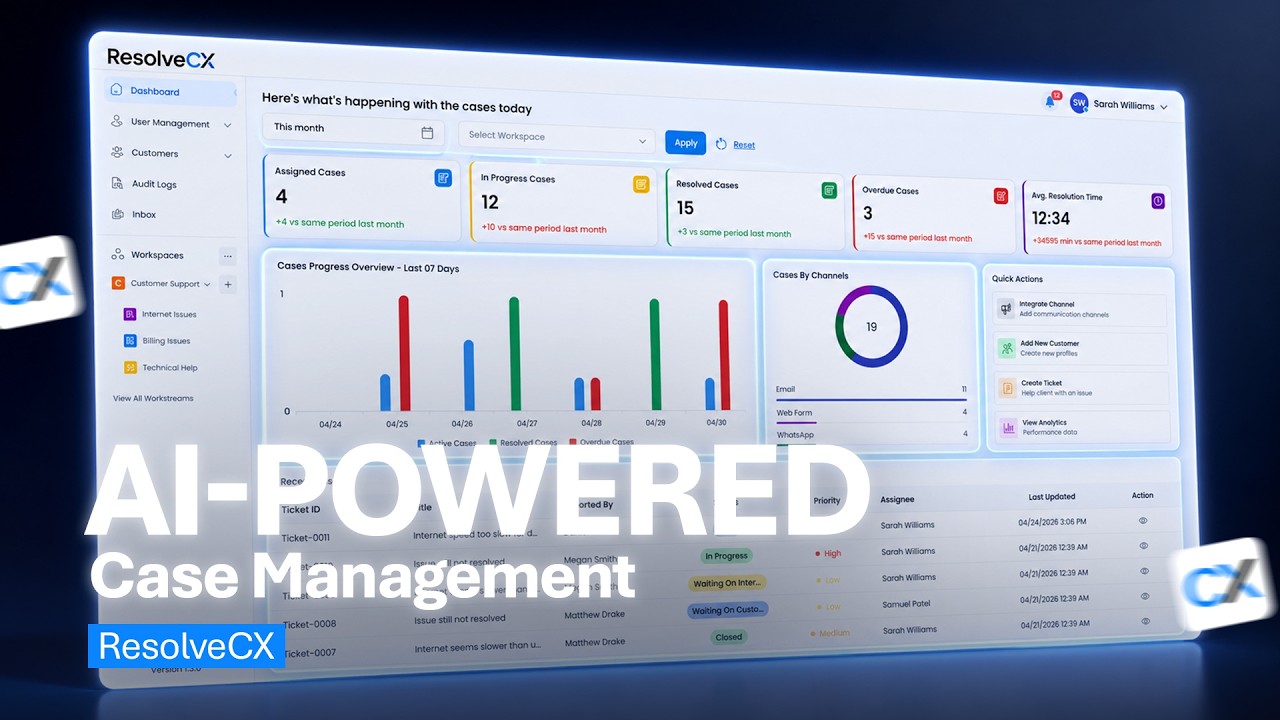 Video
ResolveCX: Case Management Software | AI-Powered Customer Case Management
Manage customer cases from intake to resolution with workflows, ownership and collaboration.
Explore video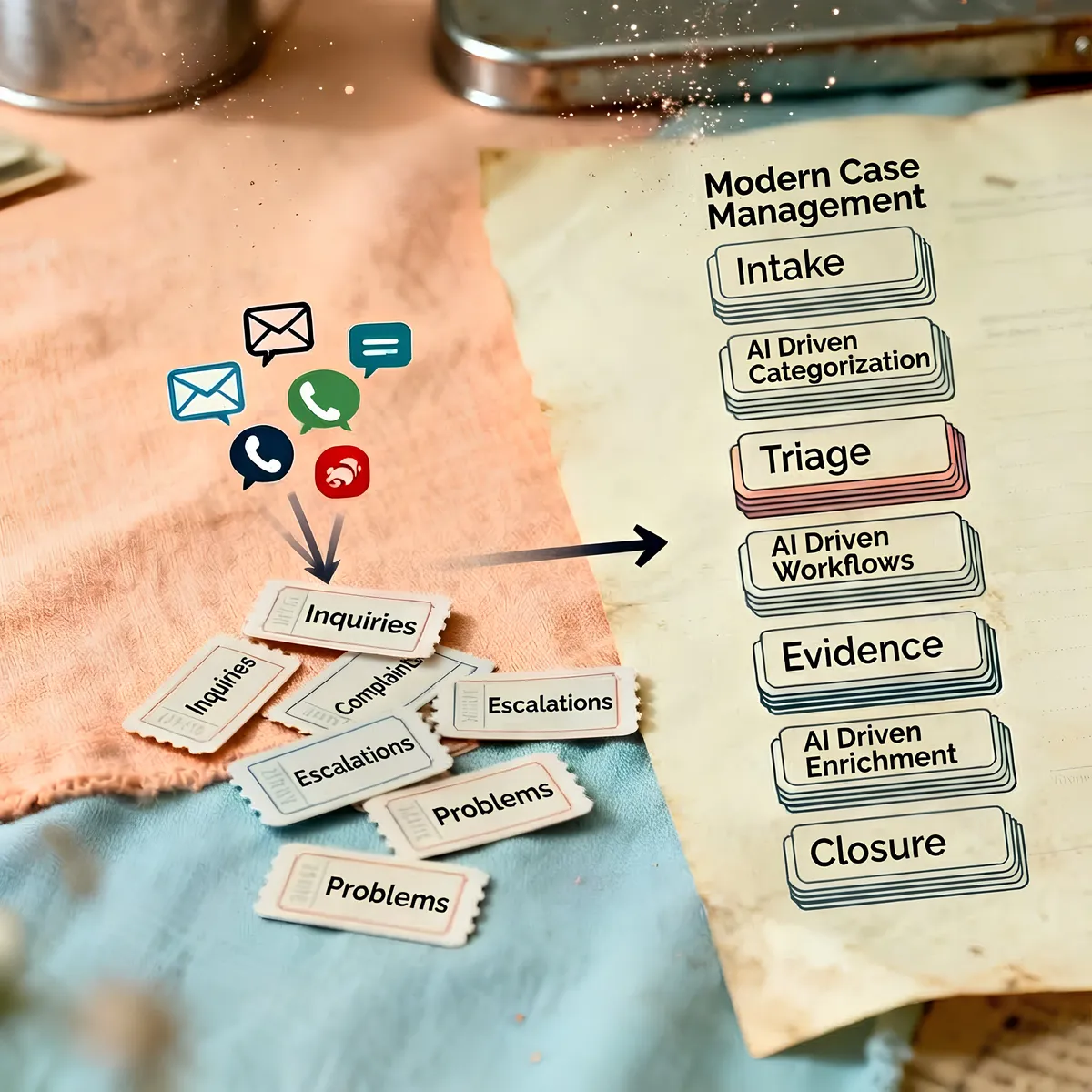 Case study
Healthcare Governance Case Studies
See how regulated healthcare teams improved SLA adherence, reduced escalations, and accelerated audit preparation.
Explore resourceResolveCX on LinkedIn
Follow the latest ResolveCX updates, governance conversations, and practical customer operations insights.
Explore resource